

That Check Scanner on Your Desk Might Be Your Weakest Security Link
Updated: Mar 12
You procured a check scanner from your bank and set it up on a PC... it worked well right out of the box. This can be your weakest security link sitting on your Accounting desk, which you invited in with a smile.
Here is the cold, hard truth: most SMBs in Chicago treat that little grey box like a toaster. You plug it in, you scan your checks, and that's all there is to it. You assume that because a multi-billion-dollar bank sent it to you, it must be secure.
The reality? That scanner is often the single most neglected piece of hardware in your entire office.
Whether you’re a CPA firm in the Loop, a law firm in River North, a medical practice in Chicago, or a manufacturing plant in Thornton. You are likely sitting on a massive security gap. there’s a good chance you’re sitting on a massive security gap.
If you believe your business is “too small” to be a target, you’re already halfway to a breach. Let’s pull back the curtain on why your accounting desk may currently be a flashing neon sign for cybercriminals.
Remote Deposit Capture (RDC) Security Risks Most Businesses Overlook
Remote Deposit Capture (RDC) systems allow businesses to scan checks and deposit them electronically through their bank. While this technology saves time and eliminates trips to the bank, it also introduces cybersecurity risks that many organizations overlook.
Unlike credit card payment systems, RDC scanners often operate outside formal compliance frameworks like PCI-DSS. As a result, many businesses deploy them on general-purpose office computers without dedicated security controls.
This creates a dangerous scenario where a device responsible for processing financial documents is connected to a workstation that may also be used for web browsing, email, or other everyday tasks.
Cybercriminals actively look for these weak points because RDC systems handle high-value financial information, including routing numbers, account numbers, and check images.
Without proper network segmentation, endpoint protection, and access controls, a compromised workstation connected to a check scanner can become an entry point for financial fraud, ransomware, or broader network intrusion.
The Regulatory Loophole Most Businesses Don't Realize Exists
Most business owners are familiar with PCI-DSS, the strict security framework required for companies that handle credit card data.
If your organization processes Visa, Mastercard, or other card payments, you already know the drill: encrypted networks, hardware validation, strict auditing, and ongoing compliance requirements.
But check scanners operate differently.
Because these devices process checks rather than credit cardholder data, they are generally outside the scope of PCI-DSS. Instead, they fall under banking guidance such as FFIEC Remote Deposit Capture controls, which many SMBs never see or implement.
Here is the dangerous assumption: "It’s from the bank, so it’s safe."
At GCMSP, we see this constantly. Organizations that would never leave a credit card terminal unsecured will happily plug a check scanner into a ten-year-old shared workstation that everyone in the office can use.
Because there’s no PCI auditor reviewing the setup, the scanner becomes the forgotten endpoint.
No one checks the firmware.
No one audits who has access to the software.
No one monitors the machine.
It’s just “the check computer.”
But to an attacker, it’s something very different. It’s a VIP pass to your financial data.
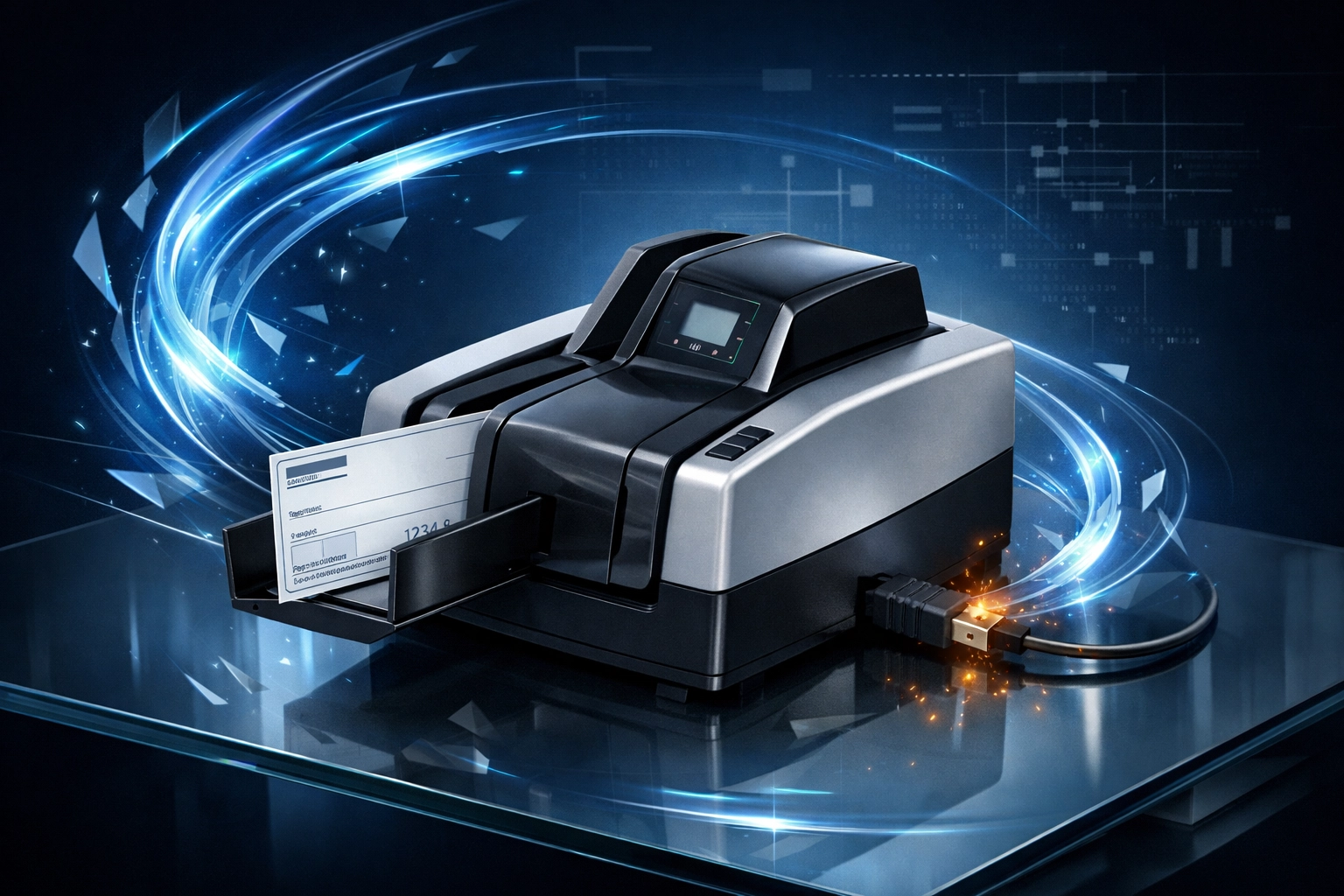
The Real Villain Isn't the Scanner; It’s the Computer It’s Plugged Into
Let’s be clear: the hardware scanner is rarely the point of failure.
The real vulnerability is the workstation it’s connected to.
When we begin providing managed IT services to new clients, we frequently find that the “check scaning PC” is among the least secure machines in the environment.
Typical scenarios that make hackers drool:
The Shared PC: The same computer used to scan $50,000 checks is also used by the front desk to check personal Gmail, browse the internet, or look up recipes.
Outdated Windows: Machines running outdated builds of Windows 10, or worse, still running Windows 7 because “the bank software won’t work on newer systems.”
Local Admin Rights: Users often have full administrative rights, allowing them to install scanner drivers or software updates. Unfortunately, this also allows malware to install itself without restriction.
Flat Networks: The check scanner workstation sits on the same network as the staff Wi-Fi, printers, and other office devices.
Zero MFA: The bank portal login is saved in Chrome, with no Multi-Factor Authentication required.
To an attacker, this is an ideal environment.
Once they compromise one machine on a flat network, they move laterally. They don’t stay on the scanner PC. Instead, they use that system as a staging ground to locate servers, file shares, or financial systems.
If the Scanner workstation is compromised, the scanner becomes part of the attack.
Check images contain routing numbers and bank account numbers. Attackers can capture those images, steal banking credentials, modify ACH instructions, or attempt fraudulent transactions.
For healthcare organizations, this situation can escalate quickly. If financial data tied to patient accounts is exposed, it may trigger a reportable HIPAA security incident.
For SMBs in any industry, the reputational damage can be just as devastating as the financial loss. Your reputation is often the hardest asset your business has worked to build. And when a breach occurs, businesses are typically required by law to notify affected parties.
That leads to conversations no company wants to have. Would you trust a business that lost your financial information because basic security controls were ignored?
Cyber insurance providers are also becoming increasingly strict. Claims are sometimes denied when investigators determine that basic security practices were missing or neglected. In other words, what many organizations assume is harmless ignorance may ultimately be viewed as preventable negligence.
How to Build a "Fortress" Workstation (Without the PCI Price Tag)
The good news? You don't need a million-dollar budget to fix this. You just need to stop treating the scanner PC like a regular computer.
When you implement real security, it naturally ends up looking like PCI-DSS hardening anyway. We call this "PCI by Proxy." You aren't doing it because a regulator told you to; you’re doing it because it’s the only way to stop a breach.
The "Fortress" Setup:
Dedicated Workstation: This computer does one thing: scans checks. It is not for email. It is not for browsing. It is not for "quick Google searches."
Network Segmentation: Use a VLAN to put the Scanner pc in its own "room" on the network. If the Wi-Fi gets hacked, the attacker can't even "see" the scanner PC.
Strict Endpoint Protection (EDR): You need more than just basic antivirus. You need something that watches for behavioral changes, like a banking app suddenly trying to send data to a server in Eastern Europe.

Control vs. Why It Matters
Control | Why It Matters |
Dedicated Workstation | Prevents malware exposure from phishing emails or casual web browsing. |
Network Segmentation | Stops lateral movement and prevents a small incident from becoming a full network compromise. |
No Web Browsing | Eliminates a large percentage of common ransomware entry vectors. |
MFA for Banking Login | Even if credentials are stolen, attackers cannot access financial systems. |
Endpoint Protection (EDR) | Acts as a 24/7 security guard that detects abnormal activity in real time. |
Logging & Monitoring | Creates the digital paper trail needed for accountability, investigations, and incident response. |
The Bigger Picture
Security frameworks like NIST, HIPAA, and the FTC Safeguards Rule aren’t arbitrary rulebooks designed to make life difficult.
They simply organize defenses against the same fundamental risks.
The truth is simple: attackers behave the same way everywhere.
Whether they are targeting a law firm downtown or a property management group in South Holland, their playbook doesn't change. They look for the path of least resistance.
By securing your check scanner workstation, you aren't just "checking a box." You are closing the front door to one of the most common entry points for SMB environments.
Quick Self-Check: Is Your Office at Risk?
If your office uses a remote deposit scanner, take sixty seconds to answer these four questions. Be honest: your business depends on it.
Is the scanner workstation used for general web browsing or personal email?
Can the bank portal be accessed without multi-factor authentication (MFA)?
Is the scanner PC on the same network segment as Wi-Fi or local networks?
If ransomware hit that machine today, could it spread to your main file server?
If you answered "Yes" to any of these... your check scanner isn't the risk. The computer hosting it is.
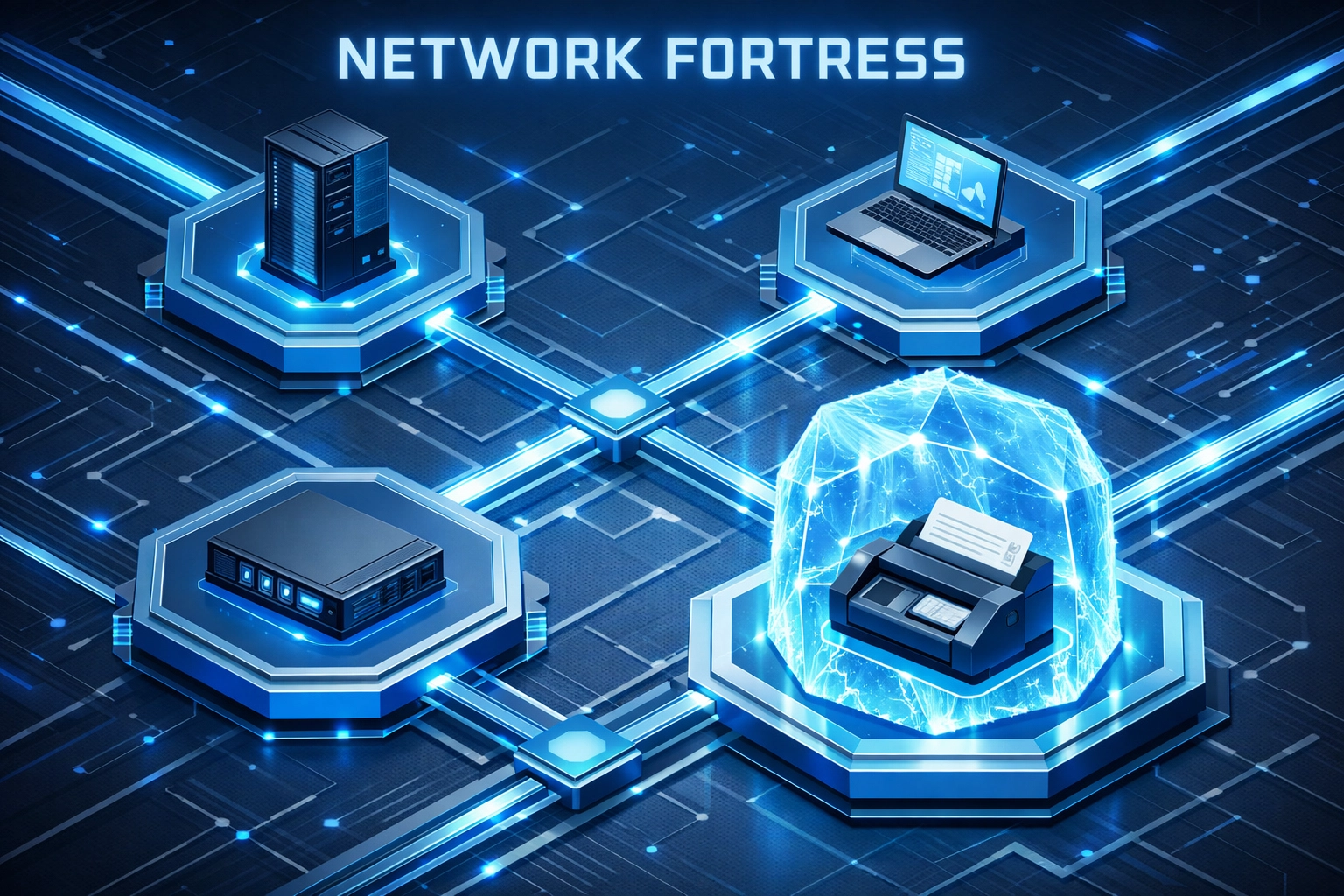
At GCMSP, we specialize in helping Chicago businesses close exactly these kinds of gaps. We don’t just “fix computers.”We design secure environments that protect the systems your business relies on every day.
Because Chicago is a diverse city, we also provide bilingual IT support, ensuring that everyone, from the C-suite to the accounting desk, understands how to stay secure.
Your Takeaway
Stop treating your accounting hardware as an appliance. Block off one afternoon this week to audit how your checks are actually being scanned.
Check scanners are a convenience, but without the right controls, they are a liability. Don’t wait for a "suspicious transaction" alert from your bank to start caring about network segmentation.
Want to see how your current setup stacks up against your peers?
Comments